
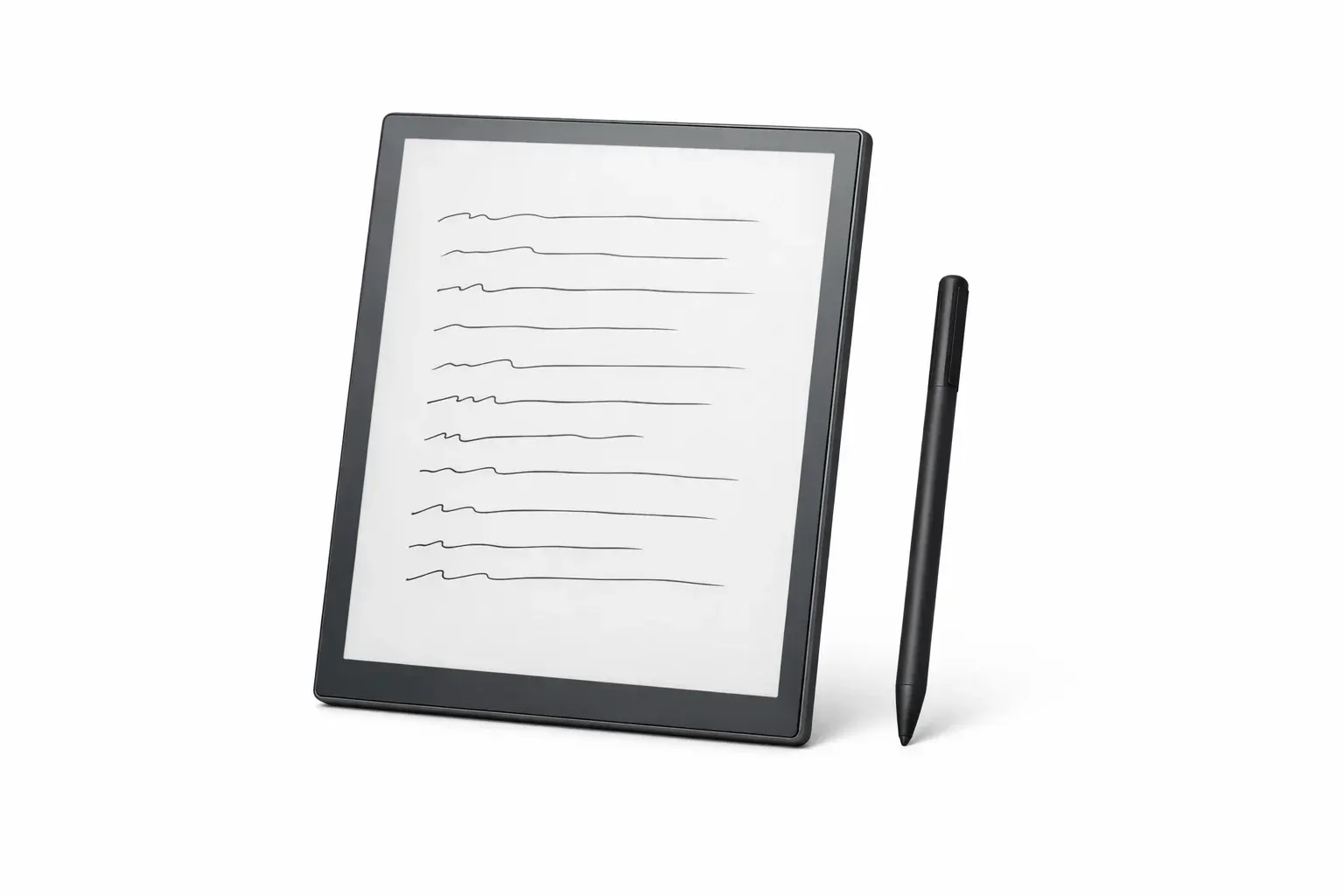
HomeOfficeAmazon Kindle Scribe (2022, 1st Gen), 16 GB, 10.2" 300 ppi Paperwhite display, with Basic Pen
Amazon Kindle Scribe (2022, 1st Gen), 16 GB, with Basic Pen Review
Owner review analysis: Based on 89 owner reviews from Best Buy, Kindle Scribe 16 GB with Basic Pen (2022) listing (44 owner reviews), Best Buy, Kindle Scribe 16 GB with Premium Pen (2022) listing (6 owner reviews; same device, different pen), Best Buy, Kindle Scribe 32 GB with Premium Pen (2022) listing (39 owner reviews; same 1st-gen device with more storage), Long-term owners (6+ months): 8 and CPSC recalls: no recall found for this model
Pros
- Owners praise the large, sharp screen for reading books and PDFs
- Handwritten notebooks and the writing feel are well liked
- Very few owners report hardware failures
- Popular as a gift; several owners bought it for a spouse or child who loves it
Cons
- Some owners find it slow or laggy, especially while writing
- Note-taking tools felt basic to several owners
- Large for carrying everywhere
- Can't write directly on Kindle book pages
What goes wrong, and how often?
28% of the 89 owners in our sample reported a problem. The most common: note-taking tools feel basic or unfinished (7% of owners, usually ).
| Problem | Type | When | Owners |
|---|---|---|---|
| Note-taking tools feel basic or unfinished | Hard to use or poor design | 7% | |
| Slow, laggy or hangs while writing | Doesn't do its job | within the first month | 4% |
| Returned because journal or PDF features didn't do what they needed | Hard to use or poor design | within the first month | 2% |
| Can't write directly in Kindle books (notes go on sticky notes) | Hard to use or poor design | 2% | |
| Too big or cumbersome to carry around | Hard to use or poor design | within the first month | 2% |
| Device broke suddenly | Broke or wore out | after 6–12 months | 1% |
| Page-turn flicker that kept getting worse; resets didn't fix it | Doesn't do its job | within the first month | 1% |
| Writing with the pen felt poor | Doesn't do its job | within the first month | 1% |
| Slows down at times | Doesn't do its job | within 1–6 months | 1% |
| Touch not very responsive; trouble pairing Bluetooth earbuds | Doesn't do its job | after 6–12 months | 1% |
| Too big for some uses | Hard to use or poor design | 1% | |
| Setup and pen took getting used to | Hard to use or poor design | within the first month | 1% |
| Battery life could be longer | Doesn't do its job | 1% | |
| Web browser is limited | Hard to use or poor design | 1% |
Where the points went
- Hard to use or poor design−5.8
- Doesn't do its job−5.1
- Broke or wore out−1.1
Score = 100 minus these deductions. How the Dura Score works.
Most common owner complaints
| Issue | Owners reporting it |
|---|---|
| Slow, laggy or unresponsive at times | 7% |
| Note-taking tools feel basic or unfinished | 7% |
| Too big or cumbersome to carry | 3% |
| Hardware failed (broke, worsening flicker) | 2% |
| Can't write directly in Kindle books | 2% |
Red flags before you buy
- This first-generation model is no longer sold new at major US retailers; if you buy one used, check the screen for flicker or lines and make sure the pen writes smoothly.
- Handwritten notes in Kindle store books go on sticky notes, not on the page; check that this fits how you study.
- Most reviews we read were written in the first months of ownership; only 8 owners had used it for six months or more.
Ownership Scorecard
| Lifespan | Most owners in the sample had it for under six months. Of the 8 who had used it six months to a year and a half, one reported that it broke suddenly at about seven months; the rest reported no hardware problems. |
|---|
This page covers the original Kindle Scribe released in 2022 (1st generation), the 16 GB version with the Basic Pen. DURAmetrica has a separate page for the newer 2024 Kindle Scribe 32 GB. Because the 32 GB 2022 Scribe is the same device with more storage, we included its owner reviews too.
What do owners like most?
Reading on a big, sharp e-ink screen and taking handwritten notes. Most of the 89 owners whose reviews we read were happy, praising the large display for books and PDFs, and the paper-like writing feel. Several bought it as a gift and report that the spouse, daughter or student who got it uses it daily.
What goes wrong, and how soon?
Hardware failures are rare; lag and limited note features are the most common complaints. In the reviews we read, 25 of 89 owners (28%) mentioned any problem:
- Hardware failures (2 owners): one owner’s unit broke suddenly at about seven months; another saw page-turn flicker that got worse within the first week and didn’t clear with resets.
- Lag and slowdowns (6 owners): mostly within the first weeks, especially while writing. One owner at eight months also found the touch screen not very responsive.
- Note tools (8 owners): owners found the notebooks basic at launch (no layers, few templates, no screen rotation), and some disliked that notes in Kindle books go on sticky notes.
- Returns over features (3 owners): two returned it because journals or PDF tools didn’t do what they needed, and one found writing with the pen poor.
- Size (3 owners): too big or cumbersome to take everywhere.
- Smaller gripes: setup and the pen took getting used to, battery life could be longer, and the web browser is limited.
Is it worth buying?
Yes, if you can find one in good shape and mainly want a large e-reader with simple notebooks. Owners who read a lot and jot handwritten notes are the most satisfied. It is no longer sold new at major US retailers, so most buyers will find it used. Skip it if you need fast, feature-rich note-taking, want to write directly in your Kindle books, or want something light to carry; a newer Kindle Scribe or a dedicated e-ink note tablet may suit you better.
Common questions
Does the original 2022 Kindle Scribe break easily?
Owners rarely report it. In 89 owner reviews, 2 described hardware failures: one unit broke at about seven months, and another had screen flicker that kept getting worse in its first week.
Is the first Kindle Scribe slow?
Some owners think so. 6 of the 89 owners mentioned lag, slowdowns or hangs, mostly while writing; most others had no complaint about speed.
Can you write directly in Kindle books on the 2022 Kindle Scribe?
Not on the page itself. Owners report that notes in Kindle store books go on sticky notes, while the built-in notebooks and PDFs let you write freely.
Is the 16 GB Basic Pen version different from the 32 GB Premium Pen version?
It's the same device with less storage and a simpler pen without the eraser and shortcut button. Owner reports for both versions describe the same strengths and complaints.
How we researched this
We read and analyzed 89 owner reviews of the Amazon Kindle Scribe (2022, 1st Gen), 16 GB, 10.2" 300 ppi Paperwhite display, with Basic Pen from Best Buy, Kindle Scribe 16 GB with Basic Pen (2022) listing (44 owner reviews), Best Buy, Kindle Scribe 16 GB with Premium Pen (2022) listing (6 owner reviews; same device, different pen), Best Buy, Kindle Scribe 32 GB with Premium Pen (2022) listing (39 owner reviews; same 1st-gen device with more storage), Long-term owners (6+ months): 8 and CPSC recalls: no recall found for this model, collected November 26, 2026. The Dura Score is calculated from the problems owners reported, using the same formula for every product. Percentages and the scorecard summarize what owners said. We did not test this product ourselves. Owner comments are summarized in our own words, not copied. More about our method.
Where can you buy the Amazon Kindle Scribe (2022, 1st Gen), 16 GB, 10.2" 300 ppi Paperwhite display, with Basic Pen, and for how much?
Check today's price: one click searches right now, with the exact model filled in.
The AI and Google links open those services, under their own privacy policies.